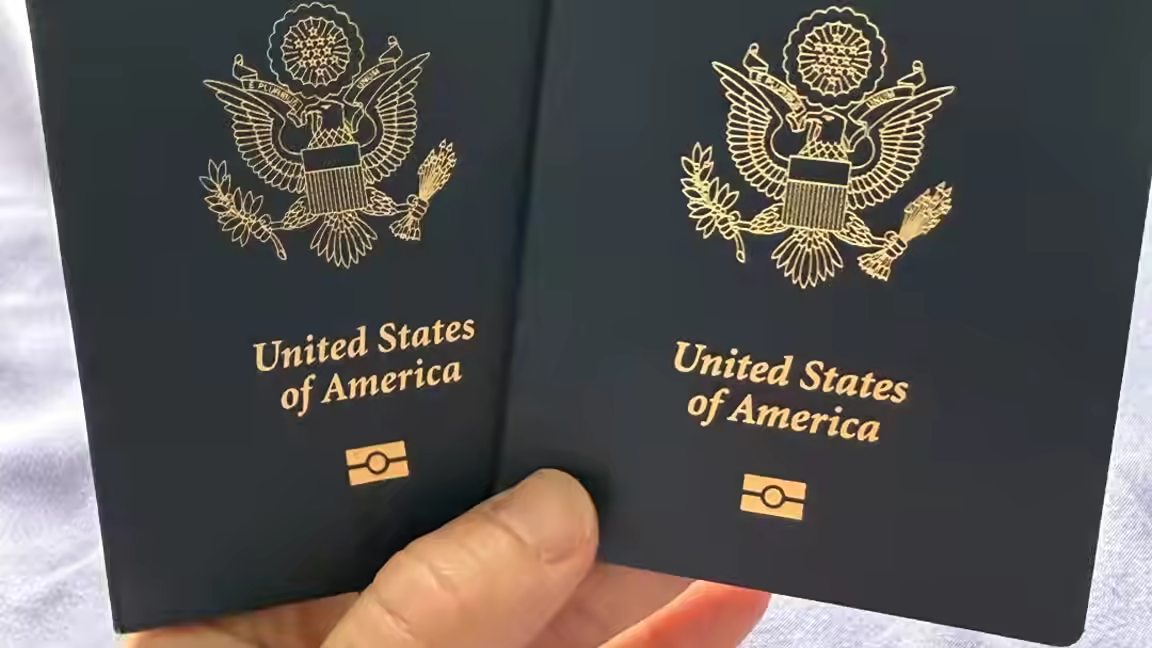
A web-based passport photo editor is offering users a way to crop and format identification pictures in their browser without sending the original image to a remote editing service. AI Passport Photo provides templates for passport and visa applications, along with options for producing individual digital files or printable sheets.
The service asks the user to select a country and document type before opening the editor. Its templates define the requested image dimensions, resolution, background color and acceptable range for head height. Those settings are then used to display a framing guide and determine the pixel dimensions of the downloaded result.
Image processing is designed to take place on the user's device. According to the service, cropping, background-color replacement and export happen locally in the browser. The editor initially downloads a background-removal model, but the photograph itself is not uploaded for processing. That distinction could appeal to people who do not want a face image stored by a remote photo service, although users must still decide whether their device and browser meet their own privacy needs.
On supported versions of Chrome and Edge, face detection can help position the subject within the required head-size range. The user can still adjust the image manually by dragging it or changing the zoom. A segmentation model separates the person from the original scene and places the cutout against the color specified by the selected template.
The finished image can be exported as a single 300-DPI file. The tool also creates layouts for 4-by-6-inch and 5-by-7-inch photo paper, as well as A4 sheets. Those sheets must be printed at actual size for the physical measurements to remain correct. The site says downloads do not carry a watermark and that it does not require an account or subscription.
The editor addresses image geometry and layout, not the entire application process. Passport authorities can impose rules covering facial expression, lighting, shadows, glasses, clothing, head coverings, recency and whether digital alteration is permitted. Requirements also differ between countries and document types. A file matching the nominal width, height and background specification can therefore still be rejected if the underlying photograph violates another rule.
Users should compare the generated result with instructions from the authority receiving the application before printing or submitting it. They should also avoid assuming that automated centering guarantees acceptance. The practical value of the tool is narrower: it packages common cropping, background and sheet-layout tasks into a browser workflow while keeping the source photo on the device during editing.